Information About The Community Portals.
Go directly to the Portals:
Webmail Login:
Select your domain name (gmavt.net, madriver.com, etc.) from the dropdown box and choose your portal preference (Champlain Valley or Mad River Valley). Once logged in for the first time, these settings will be saved for you.
Checking Your Webmail:
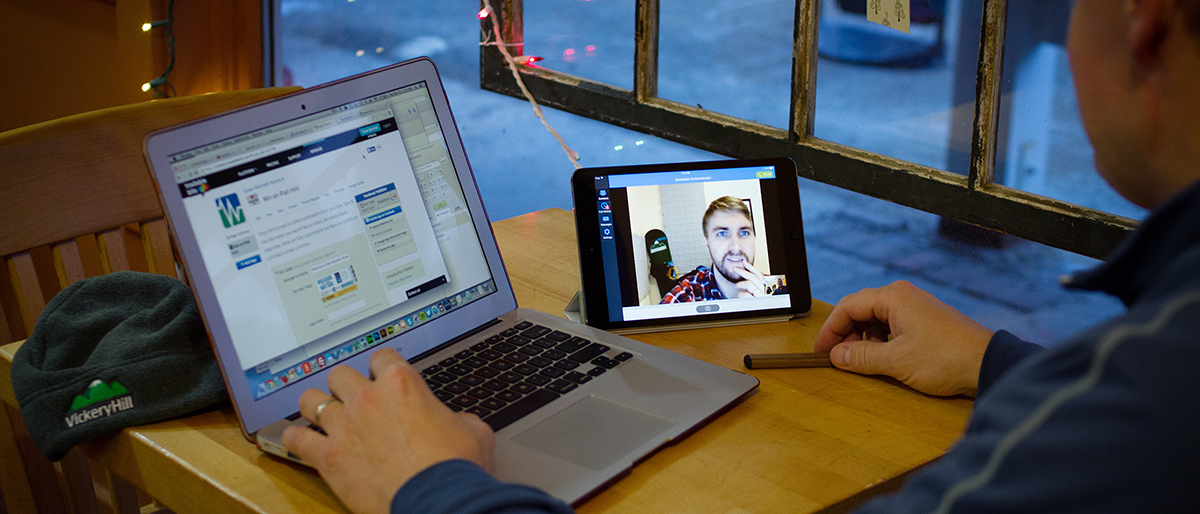
From webmail.gmavt.net, login using your GMA e-mail addressand password. This will log you into the Portal and will also automatically log you into your Webmail as well. To view your webmail, simply click the "Check Your Email" link. Once logged in, you will also have the capability to customize your Portal to your liking by clicking on the "Customize your Home Page" link. We have also created a short video walking you through the Portal features and Webmail login process.
To Access The Portal Directly:
To access the Portal directly, simply choose your location by clicking on one of the following links below. Users who don't use Webmail to check their e-mail can bookmark this page or save it as your home page. Your e-mail username and password will provide you with ability to customize your Portal.
Champlain Valley Portal
Addison
Bolton
Bridport
Bristol
Charlotte
Ferrisburgh
Hinesburg
Huntington
Lincoln
Monkton
New Haven
Panton
Richmond
St. George
Starksboro
Weybridge
And Surrounding Communities |
|
Mad River Valley Portal
Fayston
Moretown
Waitsfield
Warren
And Surrounding Communities |
More About The Portal
Make it your home page and have easy access to the latest local and national news and information including video, local weather, movie previews as well as content you can customize. Add your own content - post your local news, FREE classified ads, calendar events and photos with our local contribution system. Find answers quickly by searching with the integrated Google search box at the top of each page. Watch streaming videos from a variety of video channels including sports, comedy, news, business, home/family and much more!
To Set Your Community Portal As Your Home Page:
- Click on the desired link above for your area.
- Once on the web site, click on the "Tools" option in the top toolbar and select "Internet Options."
- If not already selected, click the "General" tab of the dialog box.
- In the home page section of the dialog box, type the link for your community site in the "Address" box and click "Ok."
- Now your community web portal is set as your home page!
We hope you enjoy your new community Portal. Please don't hesitate to contact Technical Support at 888-321-0815 or support@gmavt.net with any questions.
 |
 |
 |
| Local Weather |
Local Listings |
Local News |
|